Reading badge-scan gaps before you close the halls
How organizers can spot missing doorway scans during a multi-hall conference day without waiting for the final export.
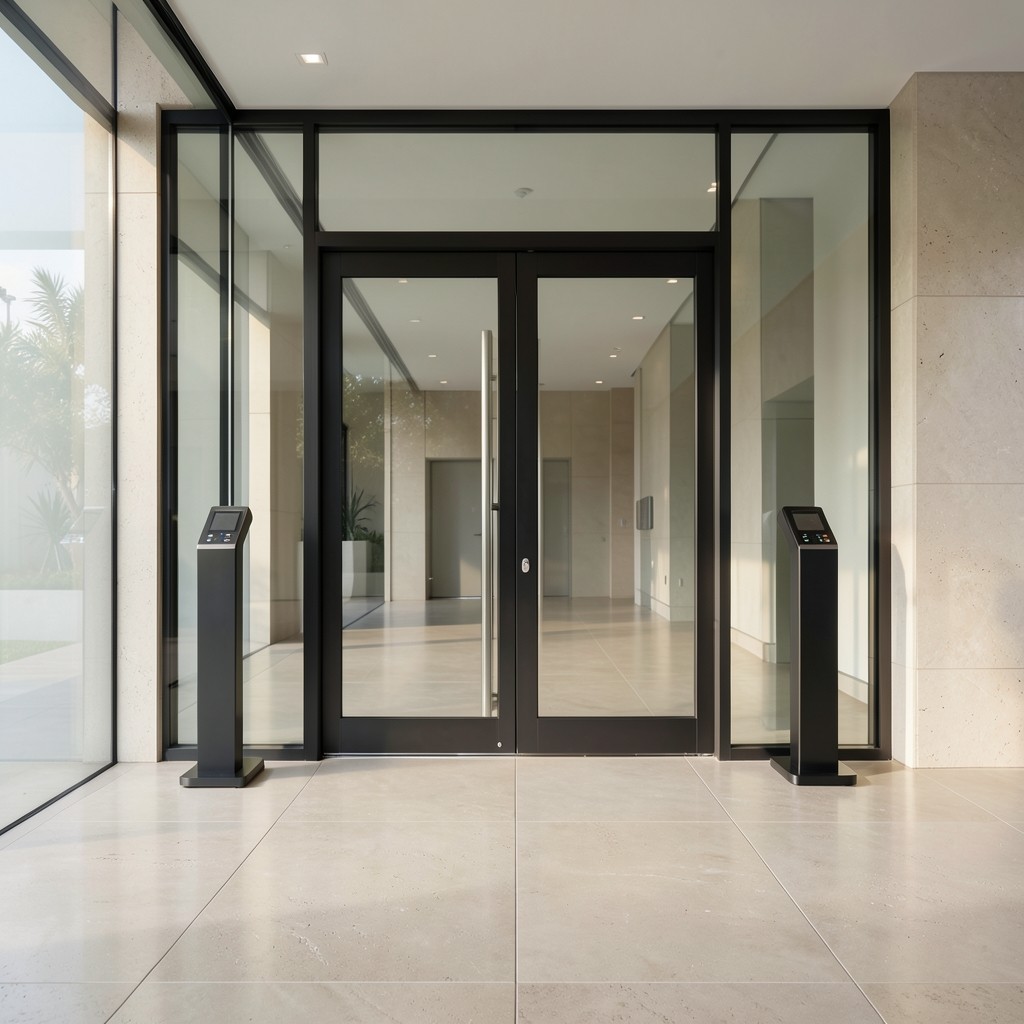
Badge scans rarely arrive perfect. A blocked reader, a side door left open for catering, or a volunteer who waved guests through can leave quiet holes in your attendance file. Catching those gaps while the venue still has staff on site is far easier than reconstructing them a week later.
Start with a mid-afternoon pull of doorway counts against registration arrivals for that day. If a popular plenary shows far fewer scans than the room’s observed crowd, walk the entrances before tear-down. Note which doors were staffed and which were propped for freight.
Ask your registration vendor for a raw timestamp export, not only a daily total. Gaps of twenty minutes or more during session changeovers often point to a reader that went offline rather than a truly empty corridor.
When you hand files to an attendance reporting partner, include those notes. A short comment such as “east foyer reader offline 14:10–14:40” keeps the charts honest and saves a round of questions after the event.